Auto-DM Campaigns with your RSS Feed
One keyword that always sends your newest episode.
RSS-powered DM automation. Point one keyword at your feed and it always sends whatever you published most recently, without you touching it again.
You post about the new episode, you tell people to comment the keyword, they get the link. That works. Episode-by-episode Instagram DM automation is how most shows should promote a launch, and nothing here replaces it.
But there is a second job it does not cover: the listener who wants your show and is not standing in front of that particular post.
Two jobs, two campaigns
Promoting a specific episode and being permanently findable are different problems, and Stampede Social gives you a campaign type for each.
- A per-episode campaign drives people to one episode. It lives in the caption of the post about that episode, the listener comments the keyword, and they get that episode. This is your launch tool.
- A Latest campaign is the standing keyword. It reads your RSS feed instead of a fixed link, so it always delivers whatever is newest. This is your front door.
Most shows want both running. They are separate campaigns and they do not interfere with each other.
How the RSS DM automation works
Setting up the standing keyword takes one screen, once:
- Create a Latest campaign and pick a keyword listeners can remember. PODCAST is fine. It never has to change.
- Paste your RSS feed URL into the campaign.
- Tell people once. DM me PODCAST for the latest episode. Put it in a pinned post, your bio, and your outro.
- A listener DMs you the keyword. Stampede checks your feed at that moment and takes the newest entry.
- They get a DM with that episode's link and artwork, pulled straight from the feed.
Publish episode 84 tomorrow and there is nothing to update. The next person who asks gets 84. Feed data refreshes hourly, so a brand new episode can take up to an hour to become the one that goes out.
The keyword never changes, so you can put it where changing things is not an option.
Where a standing keyword earns its place
Because DM me PODCAST is true this week and true next March, it can live in all the places a link cannot:
- A pinned post at the top of your profile, set once
- The outro of every episode, in your own voice
- Your bio, your show notes, your email signature
- A slide, a business card, a QR code on the banner at a live show
Say it in the outro of episode 62 and it still works when somebody finds episode 62 next year. That is the specific thing RSS buys you, and it is why the standing keyword sits alongside your per-episode campaigns rather than replacing them.
It works with any RSS feed
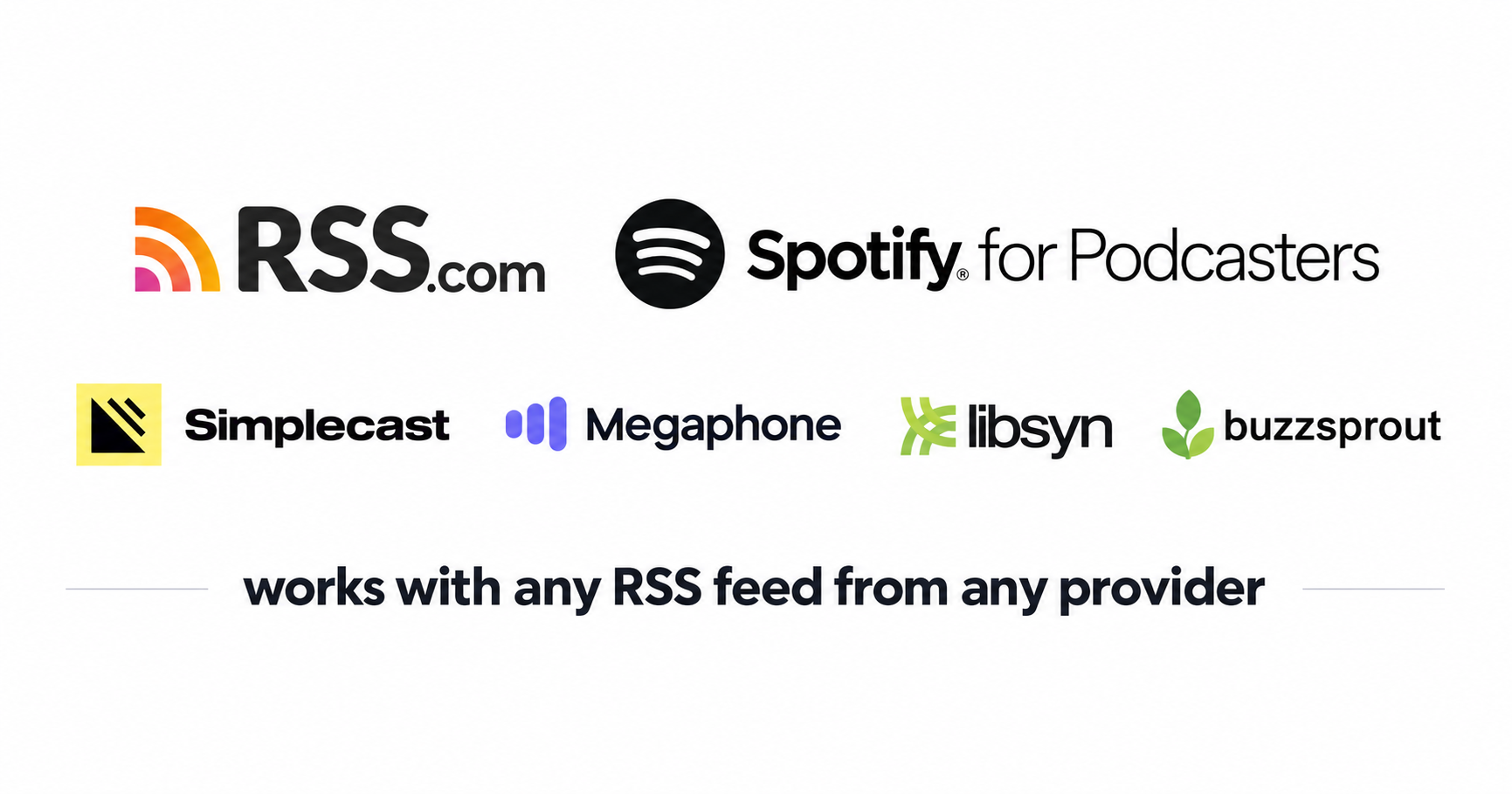
Buzzsprout, Spotify for Podcasters, Apple Podcasts, and anything else that publishes a feed. If you can paste the URL, it works.
If your feed does not carry artwork consistently, set one image to use on every DM instead, so nothing goes out looking half finished.
Not a podcast?
The same setup runs on any feed, so newsletter writers on Substack or Beehiiv can point a keyword at their latest issue exactly the same way.
Running both together
Connect the same feed on the Socials tab and you can browse your episodes inside the campaign builder to build a keyword aimed at one specific episode. A typical setup looks like this:
- PODCAST is the standing instruction. Listeners DM it from anywhere, at any time, and always get whatever is newest.
- EPISODE47 goes in the caption of the post about episode 47. Listeners comment it there and get that episode. (This is created as a standard Keyword campaign)
Both run at the same time. A listener who already got a DM from PODCAST can still get one from EPISODE47, because they are separate campaigns.
One keyword you never have to think about again
You will still promote each episode, and you should. This is the campaign that covers everything in between: the person who heard you on someone else's show, the one who saw your banner at an event, the one who finally opened your profile eight months after following you.
They all get today's episode, and you did not have to do anything.
See how podcasters use RSS-powered DM automation to stay permanently findable.
More info?
Frequently Asked Questions
How do I automate podcast links via Instagram DMs?
ou can easily automate your podcast link delivery by connecting your show's RSS feed to Stampede Social. Once connected, you choose a permanent keyword (like "PODCAST"). When a follower comments that keyword on any of your posts, our system instantly checks your feed, pulls the latest episode's streaming links and artwork, and drops them directly into the user's DMs automatically.
Which podcast platforms work with Stampede Social's RSS automation?
Our RSS DM automation works natively with all major podcast hosting platforms. As long as your host generates a standard RSS feed URL, you can paste it into Stampede Social. This includes platforms like Spotify for Podcasters, Apple Podcasts, Buzzsprout, Libsyn, Podbean, Acast, and Megaphone.
How fast does the automated DM link update when a new episode drops?
Stampede Social refreshes your podcast RSS feed data hourly. Once your new episode is published on your hosting platform, it will automatically become the active link sent out via your standing keyword within an hour, without you ever having to log in or update the campaign manually.
Why is automated podcast DM delivery better than a link-in-bio tool?
Traditional link-in-bio tools introduce friction by forcing listeners to leave the social platform, open a browser, and manually search for the episode they want. This extra work kills download numbers. Automated DM delivery drops the exact episode link directly into the listener's inbox the second they comment, keeping their momentum alive and driving higher stream-to-click conversion rates.
Can I manage multiple podcast feeds from one dashboard?
Yes. If you run a podcast network or manage multiple audio shows as a social media agency, Stampede Social allows you to connect separate RSS feeds and assign distinct, dedicated keywords to each show from a single, centralized dashboard. (Note the DMs all come from the same IG account unless you have seperate subscriptions)
Can I use RSS DM automation for newsletters like Substack or Beehiiv?
Absolutely. Our RSS campaign engine reads any standard web feed URL. Newsletter writers using platforms like Substack, Beehiiv, or ConvertKit can connect their newsletter feed so that users typing a keyword like "NEWSLETTER" will automatically receive the most recently published issue via direct message.